
A better way to list
Update once. Stay in sync. Connect Property Hive with over 50 CRM formats and keep your website automatically up to date with every property change. Ready to make life easier?
Try it free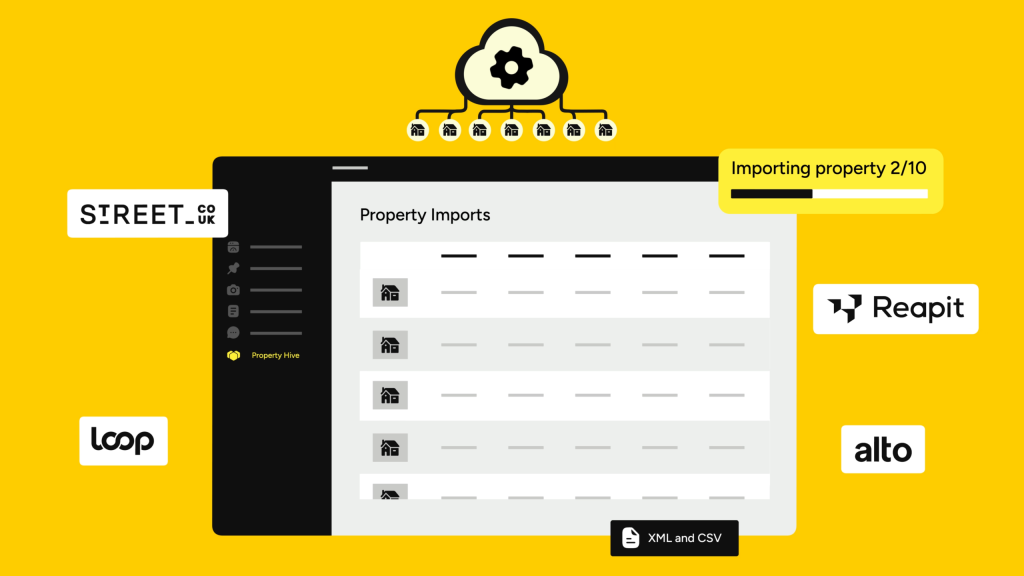
50+ CRMs and counting
Good news — we support Alto
Property Hive can import properties from your CRM automatically, keeping your website listings up to date without manual data entry.
We don’t have a dedicated Acme import yet
But we can still help. Property Hive supports generic XML and CSV imports, and we’re always adding new CRM formats.















How it works
A little setup, then Property Hive takes it from there.
Install Property Hive
Download Property Hive and start a free 7-day trial of Import or All Features.

Connect your CRM
Choose your CRM, enter your feed details and we’ll do the rest.
Choose your schedule
Pick when your imports run and let Property Hive keep everything in sync.
You're all set
From now on, your website updates automatically whenever properties are added, updated or removed.
We’ll handle the complicated bit.
Always up to date
Properties are added, updated and removed from your website automatically.
Know what's changed
Detailed logs and email reports show what happened after every import.
On your schedule
Run imports every five minutes or once a day. Whatever works for you.

“Property Hive's Import tool is absolutely brilliant.”
Knightsbridge Estates

“No other solution could have worked for our project.”
Jordan Gibbons (WordPress.org)

“Excellent real estate plugin that's easy to implement.”
compagnonagency (WordPress.org)
“Fantastic support and plugin.”
jonroot (WordPress.org)
FAQs
Property Hive supports imports in many of the leading estate agency CRM formats, including:
- 10ninety
- Acquaint
- Agency Pilot
- AgentOS
- Alto (Vebra)
- Apex27
- Apimo
- Arthur Online
- CASAFARI
- Citylets XML
- ContactBuilder
- Decorus
- Dezrez
- Domus
- eGo
- Estates IT / PCHomes
- ExpertAgent
- Getrix
- Gnomen
- GreenhouseOS
- iamproperty (formerly openview)
- Infocasa (Beta)
- Inmobalia
- Inmovilla
- Inmoweb
- Jupix
- Juvo
- Kato
- Kyero
- Lifesycle / Iceberg Digital
- Loop
- MRI Software (Aspasia/Qube/Thesaurus)
- Muven
- myCRM / Property Finder (UAE)
- Pixxi
- RealtyCRM by Agilis
- Reapit Foundations (incurs additional monthly fees based on API usage)
- REAXML
- RE/MAX
- Rentman
- ReSales Online
- Rex
- SME Professional
- Street.co.uk
- Teclet / OTM Software
- ThinkSpain
- Utili
- VaultEA
- Veco Plus
- VTUK / iamproperty
- Witei (Uses Kyero format)
- WebEDGE / Propertynews.com
- XML2U
We also support standard property data formats including XML, CSV and RTDF, as well as directly from other sites running Property Hive.
Search for your CRM above to see if yours is supported.
Probably, yes! If your estate agency CRM isn’t currently supported, get in touch and tell us what you’re using.
We’re always happy to look at adding new CRM integrations where possible.
You decide. Set your property imports to run every 5 minutes, hourly, twice daily, daily or at really specific, custom times, from every 7 minutes to every 3 weeks.
Automatic imports use the WordPress cron, which relies on traffic to your website. If low traffic means your imports aren’t running on time, we recommend setting up a server cron job to keep them running consistently. Your hosting company should be able to help with this.
As many as you want. With Property Hive, you can import unlimited properties from your CRM to WordPress. Go wild!
Want to set a limit? Not a problem. There’s a setting for that too.
If your agency uses multiple CRMs or property feeds, for example separate systems for sales and lettings, you can run unlimited simultaneous imports into your website.
If you’re building a property portal that imports listings from multiple agencies, different licensing applies, so get in touch and we’ll help you find the right setup.
Yes. Property Hive creates a detailed log after every property import, so you can see what happened and quickly spot any issues. You can also choose to have import reports sent to you by email.
All the time! We’re developers and we built Property Hive ourselves, so we regularly update the Import plugin to support new estate agency CRMs and keep existing integrations working when APIs change.